Visit URL www.emcexplorer.com by your favorite browser of your computing device (such as a desktop, laptop, iPAD and smart phone).
If you use only the DEMO mode for study purpose, click the “EMCEXPLORER-SAAS DEMO” button in the "products" page which you can easily find the its entry in the navigation bar.
In order to create a user account to own your private workspace on cloud to analyze data, please click the "Registration" menu; if you already have an account, please log in by the "User Login" pull-down option under the "Registration" entry.

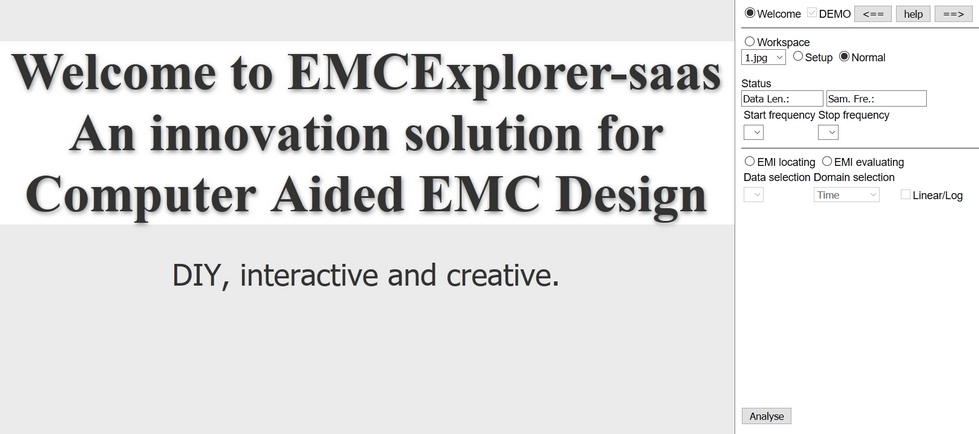
This is the landing page both registered user and visitor will see, the only difference is the visitor can’t upload data with default DEMO option enabled. However the unregistered user can still use all the system functions to process the preset sample data.