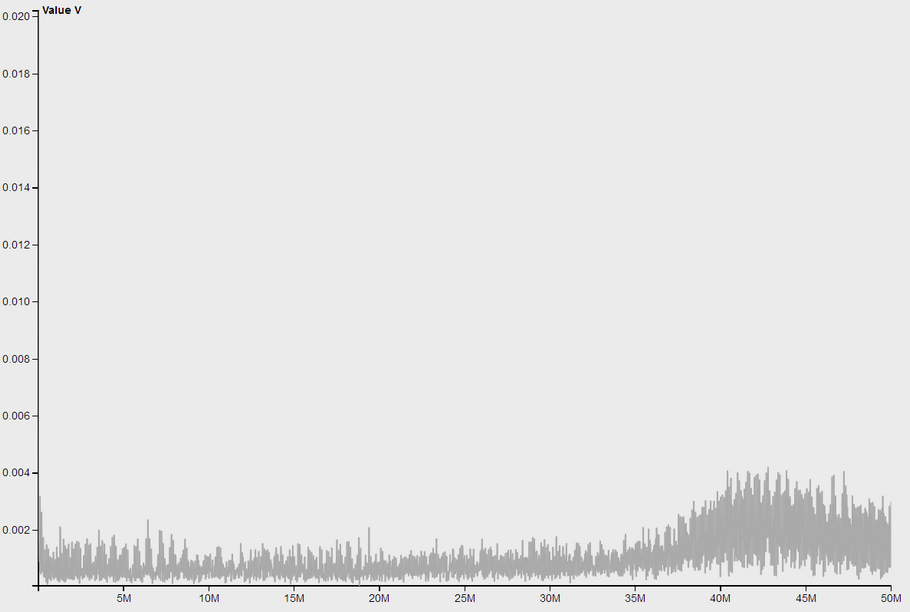
Select: Workspace->Normal; EMI locating; Linear/Log checked
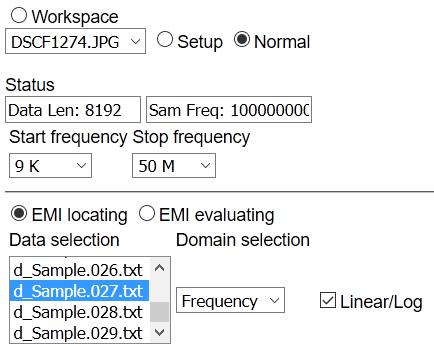
Signal Spectrum Analysis:
Select "Frequency" option in the "EMI->Domain Selection" list; Select one single data option in "EMI->Data Selection" list, click "Analyse" to proceed, the result shows as following:
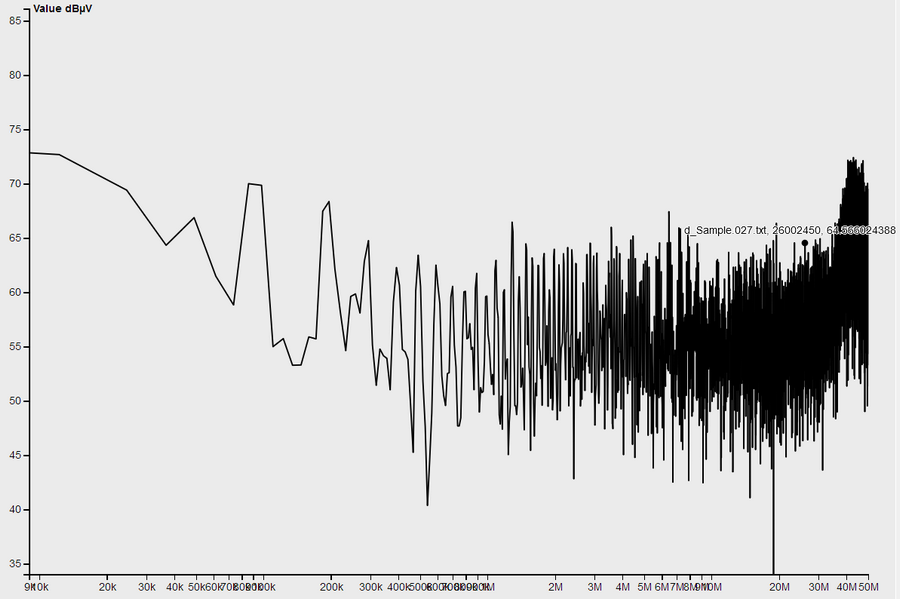
The result shows a standard spectrum calculated from the oscilloscope data.
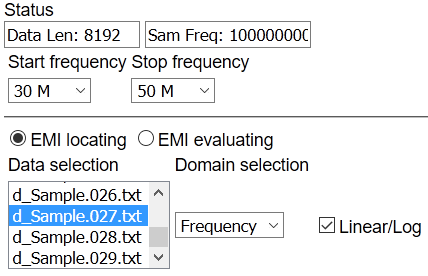
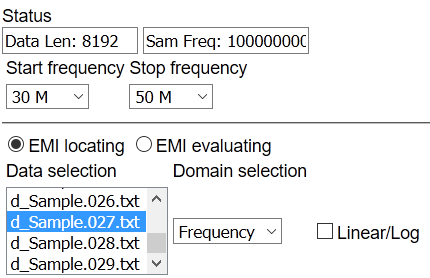
Choose a specific frequency range you desire to observe by selecting the "Start Frequency" and "Stop Frequency" options and redo analysis, the result shows as following:
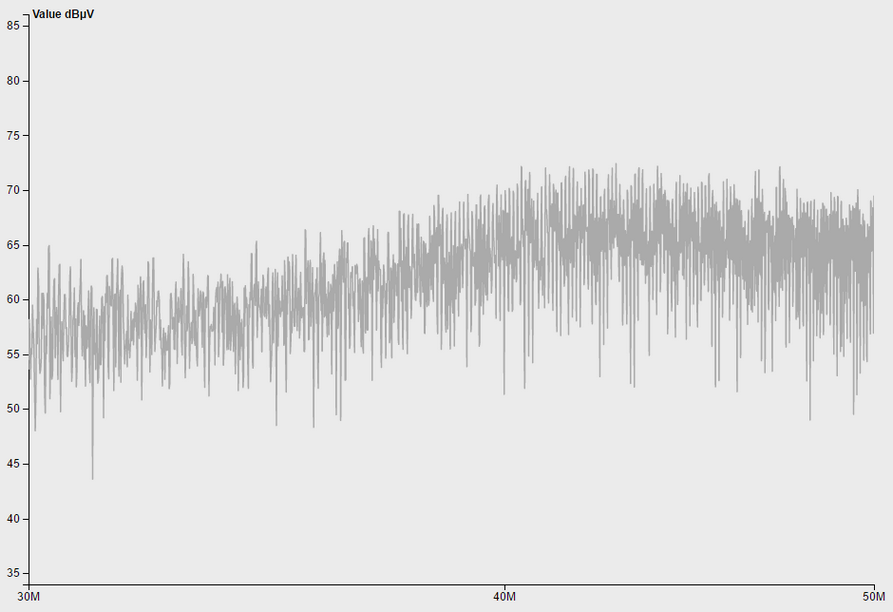
Uncheck the "Linear/Log" check box:
The analysis result shows as following: